


Website Development SEO: A Developer’s 12-Step Technical Checklist to Fix Crawlability, Speed & Indexation
If you build websites in Brisbane, the fastest way to win more organic traffic is to bake search into your build process. This guide shows you how to approach website development seo with a developer’s eye for detail and a strategist’s sense of priorities. We’ll align code, content and crawl paths so search engines can understand, load and trust your site. And yes, we’ll keep it practical so you can ship improvements without derailing your sprint.
Here’s the reality: Search Engine Optimisation (SEO) is not a switch you flick after launch. It’s a set of decisions you make at architecture, infrastructure, and component levels. When I work with Brisbane teams through Tim Nelson Agency, we focus on a data-driven sequence that fixes crawlability first, then speed, then indexation, before we scale content and authority. That order matters, because nothing converts if the crawler cannot fetch it, the user will not wait for it, or the index refuses to keep it. Let’s walk through the exact steps, the metrics to track, and how to turn technical SEO (Search Engine Optimisation) into predictable business growth.
Website Development SEO in Brisbane: Why It Matters Right Now
Brisbane search behaviour is local, mobile and time-sensitive. Roughly half of queries carry local intent, and industry studies suggest that pages loading within two seconds enjoy significantly higher conversions compared to slower peers. If your pages fall outside Core Web Vitals (Largest Contentful Paint (LCP), Interaction to Next Paint (INP), and Cumulative Layout Shift (CLS)) thresholds, you’re paying a silent tax on every visit. Translate that into lost bookings for a Newstead studio, fewer calls for a Fortitude Valley tradie, or lower enquiry volume for a South Bank clinic.
There’s also the compounding effect. Technical wins early in a build reduce ongoing maintenance, lower hosting costs, and improve content velocity because templates are already optimised. Teams I support in Brisbane often realise that a clear site architecture plus fast rendering gives content and digital PR (Public Relations) work an instant lift. In other words, technical decisions you make this week shape your next twelve months of traffic, leads and Return on Investment (ROI). If you’ve ever thought, “We publish, but rankings do not move,” this is your roadmap to change that.
| Technical Lever | Primary Impact | Business Outcome |
|---|---|---|
| Crawlability and robots directives | Ensures discoverability of key URLs (Uniform Resource Locators) | More pages surfaced in Search Engine Results Pages (SERPs) |
| Rendering and Core Web Vitals | Improves perceived and real speed | Higher engagement and conversion rates |
| Canonicalisation and duplicates | Consolidates ranking signals | Stable rankings with fewer fluctuations |
| Structured data | Rich results eligibility | Higher Click Through Rate (CTR) and visibility |
| Redirect hygiene | Preserves link equity | Smoother migrations and fewer 404s |
A Developer’s 12-Step Technical Checklist
-
Lock down HTTPS and a single canonical host
Force HTTPS with a 301 redirect, remove mixed content, and use HTTP Strict Transport Security (HSTS) if appropriate. Pick a single canonical host (with or without www) and enforce it consistently. Set the canonical link element on each template to the preferred URL (Uniform Resource Locator) to consolidate ranking signals. If you are migrating, map every legacy route to its final destination to avoid redirect chains.
-
Harden robots.txt without suffocating assets
Keep robots.txt simple: disallow private or duplicate paths, but never block essential assets such as Cascading Style Sheets (CSS) and JavaScript needed for rendering. Add your Extensible Markup Language (XML) sitemap location for clarity. Then test with Google Search Console (GSC) robots tester to verify that crawlers can fetch styles, scripts and main templates. One stray wildcard can hide an entire content type.
-
Build clean XML sitemaps and submit them
Auto-generate Extensible Markup Language (XML) sitemaps for primary content types, limit each to 50,000 URLs (Uniform Resource Locators) or 50 megabytes, and include lastmod timestamps. Submit through Google Search Console (GSC) and monitor discovered vs indexed deltas. If large, break by type, language or date to help crawl scheduling. Treat sitemaps as an inventory of what you want indexed, not a dumping ground.
-
Design a scalable URL architecture
Use human-readable slugs, hyphens, and a shallow folder structure. Standardise trailing slashes, lowercase, and parameters. For faceted navigation, prefer static paths for popular combinations and use parameters for long-tail filters with noindex where needed. Clear routing prevents query-string chaos and reduces duplicate content.
-
Canonicalise duplicates and parameter variants
Set canonical tags on near-duplicates like print versions, paginated sets, and UTM-tagged variants. For sort orders that do not change content meaningfully, canonical back to the default view. In Content Management Systems (CMSs), ensure editors cannot accidentally create duplicate routes for the same item. This keeps all equity focused on your primary pages.
-
Master pagination and category UX (User Experience)
Use numbered pagination with strong internal linking, show page counts, and keep content discoverable without infinite scroll alone. Provide breadcrumb markup and ensure each page in a series has a self-referencing canonical. Avoid relying on deprecated rel=”next” and rel=”prev” signals; instead, make the link structure clear to users and crawlers.
-
Render correctly with modern JavaScript frameworks
If you use modern JavaScript, prefer server-side rendering or static generation for primary pages. Defer non-critical scripts, avoid blocking rendering, and test “View Source” and “Inspectable DOM” to ensure content is present without full client execution. In Google Search Console (GSC), the URL Inspection tool’s “View Crawled Page” helps confirm what the crawler saw.
-
Crush performance and Core Web Vitals
Compress images, use modern formats like WebP, lazy-load below-the-fold assets, and preconnect to critical origins. Improve Time To First Byte (TTFB) with caching, a Content Delivery Network (CDN), and efficient database queries. Target Largest Contentful Paint (LCP) within 2.5 seconds, Interaction to Next Paint (INP) below 200 milliseconds, and Cumulative Layout Shift (CLS) under 0.1.
-
Implement structured data the right way
Add schema for organisation details, LocalBusiness, products, breadcrumbs and FAQs where relevant. Validate with the Rich Results Test and keep markup consistent with on-page content. For Brisbane businesses, complete NAP (Name, Address, Phone) details and opening hours precisely to strengthen local signals.
-
Fix redirect chains, loops and soft 404s
Map all legacy pages to final live URLs (Uniform Resource Locators) using 301 status codes, remove multi-hop chains, and eradicate 302s that should be permanent. Ensure genuine 404s return 404, and retired content that will never return may use 410. This preserves authority and speeds up crawling.
-
Engineer internal linking that passes equity
Create hubs for each key topic and link child pages up to the hub and sideways to siblings. Use descriptive anchor text, surface “related” modules based on taxonomy, and add breadcrumb links high in the template. Internal links are your best crawl and ranking lever that costs nothing but attention.
-
Monitor logs and index coverage continuously
Analyse server logs to see where crawlers spend their budget and identify traps such as endless calendar pages. In Google Search Console (GSC), watch Index Coverage for spikes in “Crawled currently not indexed” or “Alternate page with proper canonical” and investigate. Set up alerts so you catch issues days, not months, after they start.
Watch This Helpful Video
To help you better understand website development seo, we’ve included this informative video from Ahrefs. It provides valuable insights and visual demonstrations that complement the written content.
| Area | Metric | Target | Primary Tool |
|---|---|---|---|
| Crawlability | Blocked URLs (Uniform Resource Locators) | Only intentional paths blocked | Google Search Console (GSC) + crawling software |
| Speed | Time To First Byte (TTFB) | < 200 ms | WebPageTest, server APM (Application Performance Monitoring) |
| Core Web Vitals | Largest Contentful Paint (LCP) | < 2.5 s | PageSpeed Insights, CrUX (Chrome User Experience) report |
| Core Web Vitals | Interaction to Next Paint (INP) | < 200 ms | PageSpeed Insights |
| Core Web Vitals | Cumulative Layout Shift (CLS) | < 0.1 | Lighthouse |
| Duplicates | Pages with unexpected canonicals | Zero | Site crawl and manual checks |
| Indexation | Discovered vs Indexed gap | Minimal for priority content | Google Search Console (GSC) |
Speed, Rendering and Core Web Vitals Demystified
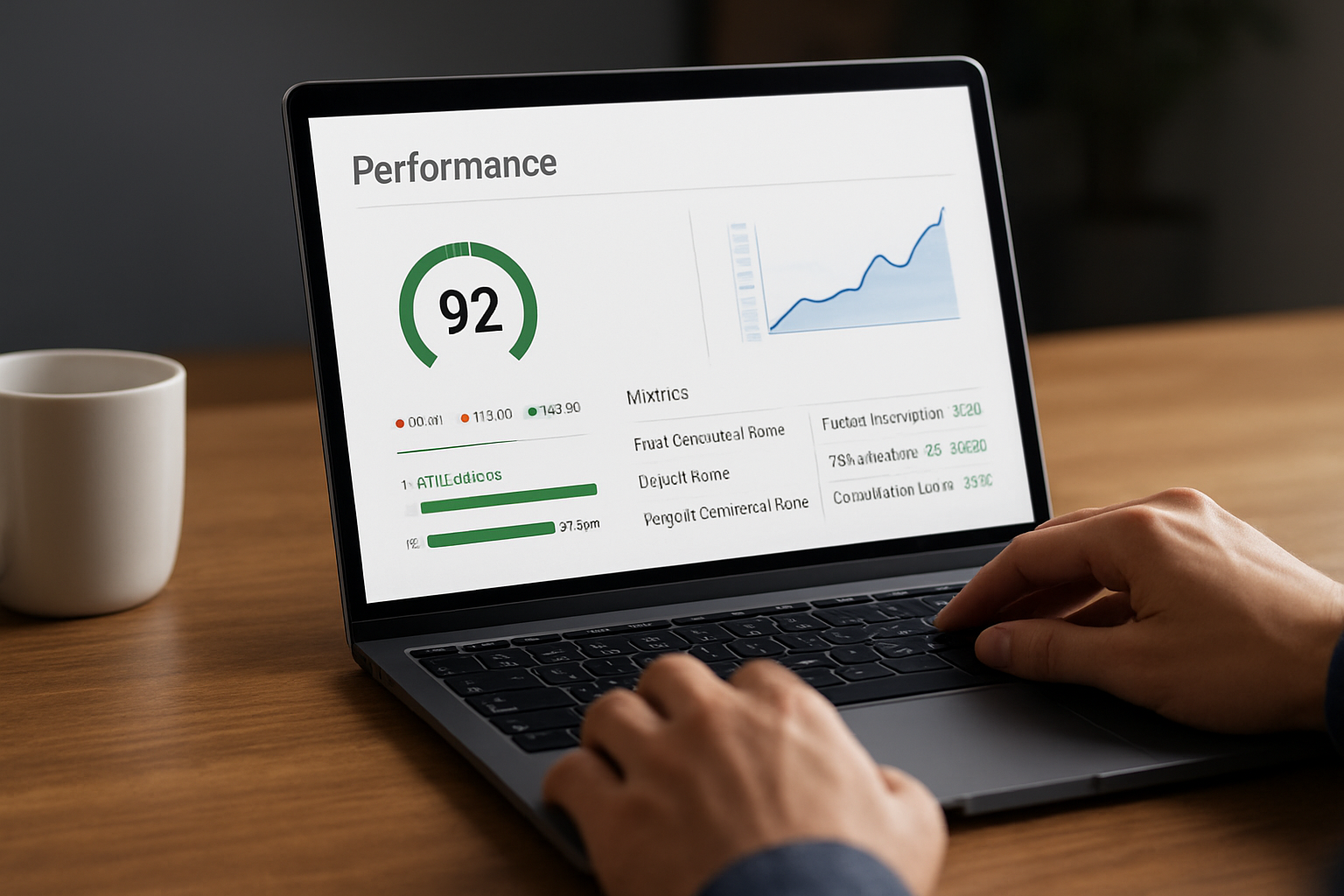
Think of speed like Brisbane traffic at peak hour. If your server is the motorway, Time To First Byte (TTFB) is how quickly the on-ramp opens, Largest Contentful Paint (LCP) is how fast the main content arrives, and Interaction to Next Paint (INP) is whether the car actually moves when you press the pedal. Cumulative Layout Shift (CLS) is that annoying lane change when the layout jumps. Tune the server, minimise main-thread work, and reserve media space to keep everything smooth and predictable.
From an implementation angle, prioritise critical rendering path elements first. Inline only truly critical Cascading Style Sheets (CSS), defer the rest, serve images in next-gen formats, and use a Content Delivery Network (CDN) with edge caching across Australia. Enable Hypertext Transfer Protocol version 2 (HTTP/2) or Hypertext Transfer Protocol version 3 (HTTP/3), preconnect to fonts and analytics domains, and prefetch likely next pages. Most Brisbane sites I audit shave 20 to 40 per cent off LCP with that sequence alone, which can lift conversion and engagement straight away.
| Vital | Good | Needs Improvement | Poor |
|---|---|---|---|
| Largest Contentful Paint (LCP) | ≤ 2.5 s | 2.6–4.0 s | ≥ 4.1 s |
| Interaction to Next Paint (INP) | ≤ 200 ms | 201–500 ms | ≥ 501 ms |
| Cumulative Layout Shift (CLS) | ≤ 0.1 | 0.11–0.25 | ≥ 0.26 |
Brisbane Case Study: From Crawl Bloat to Winning Pages
A mid-sized Brisbane retailer came to Tim Nelson Agency with flat traffic despite weekly content drops. The audit uncovered three silent killers: an aggressive robots rule that blocked JavaScript assets, 38 per cent of priority pages trapped behind parameter URLs (Uniform Resource Locators) with no canonicals, and sluggish Time To First Byte (TTFB) due to chatty database queries. Instead of rewriting their entire theme, we fixed the order of operations: unblock rendering assets, standardise routing and canonicalisation, then deploy a caching layer and a Content Delivery Network (CDN) with edge rules.
Within eight weeks, Core Web Vitals crossed into “good” for 78 per cent of page views, indexation of target categories rose by 31 per cent, and non-brand organic revenue lifted 24 per cent year-on-year. The best part was the compounding benefit: once templates were optimised, new ranges published cleanly and ranked faster. We embedded training for the in-house team, so their developers and editors understood structured data, internal linking heuristics, and how to spot indexation issues early in Google Search Console (GSC).
- Blocked resources fixed in week one; render-blocking scripts reduced by 42 per cent
- Canonical and routing cleanup cut duplicates by 90 per cent
- Largest Contentful Paint (LCP) improved by 1.2 seconds on key landing pages
- Rich results gained via LocalBusiness and Product schema
Your SEO Roadmap with Tim Nelson Agency
Many Brisbane organisations struggle with search because they lack a tailored, data-driven plan. Tim Nelson Agency fills that gap with a comprehensive approach: a full technical audit, a customised roadmap aligned to business goals, and hands-on SEO (Search Engine Optimisation) consulting and strategy development. You get on-page and off-page optimisation, plus training, speaking and coaching so your team can sustain momentum. Clear performance reporting tracks traffic, rankings and Return on Investment (ROI) so every stakeholder sees progress.
We work comfortably across local, national and international markets, but the workflow stays the same: identify friction, quantify impact, prioritise fixes, implement at template level, and measure. The aim is not to chase every potential micro-optimisation. It is to remove the biggest blockers to crawling, loading and indexing so your best pages rise. Below is a simple division of effort we use when partnering with Brisbane businesses.
| Phase | Tim Nelson Agency | Your Team |
|---|---|---|
| Discovery and Audit | Deep technical crawl, Core Web Vitals analysis, log sampling | Grant access, share priorities, confirm constraints |
| Strategy and Roadmap | Customised backlog prioritised by impact and effort | Validate timeline and resource availability |
| Implementation | Consulting on templates, structured data, redirects, internal links | Ship code, deploy infrastructure changes, content updates |
| Training and Enablement | Workshops for developers and editors | Adopt checklists and coding standards |
| Measurement and Reporting | Dashboards covering traffic, rankings, ROI (Return on Investment) | Stakeholder communication, feedback for iteration |
Measurement, Governance and Staying Ahead

What gets measured gets improved. Set up dashboards that blend Google Search Console (GSC), analytics, and speed lab data so you can correlate rankings, click-through and engagement with release cycles. Watch the Index Coverage report like a hawk after changes to routing, templates or canonicals. If “Crawled currently not indexed” spikes for a template, roll back and test. Governance is not bureaucracy; it is risk management that protects growth.
For ongoing stability, create a pre-launch checklist that includes robots.txt, canonical validation, schema testing, and a Lighthouse performance budget. Bake these checks into your continuous integration pipeline. Maintain a structured internal linking playbook so every new category or service page gets at least five contextual links from relevant pages. Finally, build trust with helpful content and consistent business details to support Experience, Expertise, Authoritativeness and Trustworthiness (E-E-A-T). Technical excellence amplifies those signals, it does not replace them.
The 12 Steps Turned Into Your Weekly Sprint
Let’s make the checklist operational. Below is a sample sprint-friendly plan you can adapt. If you are juggling multiple projects, split steps across two or three releases. The goal is consistent progress without burning your dev capacity.
| Week | Focus | Top Tasks | Definition of Done |
|---|---|---|---|
| 1 | Crawlability | robots.txt review, unblock assets, submit sitemaps | Assets fetchable, sitemap indexed in Google Search Console (GSC) |
| 2 | Architecture | URL (Uniform Resource Locator) rules, canonical defaults | Consistent trailing slashes, canonical testing passed |
| 3 | Rendering | Server-side rendering or static generation, script defers | Primary pages render without client-only JavaScript |
| 4 | Performance | Image optimisation, caching, Content Delivery Network (CDN) | LCP and INP improvements visible in PageSpeed |
| 5 | Signals | Structured data, internal linking modules | Rich results validation and hub pages live |
| 6 | Clean-up | Redirect chains, 404 policy, log analysis | Zero chains, reporting alerts configured |
By the end of week six, most Brisbane sites see improved crawl efficiency, faster loads and fewer indexation mysteries. That’s when content and outreach start to punch above their weight, because you are no longer fighting invisible technical friction. If you’ve ever felt like you are pushing a boulder uphill, this is how you get gravity on your side.
Final Thoughts Before You Ship
Technical clarity beats hacks. Build for crawlability, engineer for speed, then guide indexation with clean signals so your best pages can rank and convert.
Imagine the compounding effect over the next 12 months when every new category, blog post and landing page sits on an optimised foundation. Faster releases, steadier rankings, better leads. What would your pipeline look like if your team owned website development seo instead of treating it as an afterthought?
Additional Resources
Explore these authoritative resources to dive deeper into website development seo.
Elevate Website Development SEO (Search Engine Optimisation) with Tim Nelson Agency
Tim Nelson Agency pinpoints technical issues and deploys personalised SEO (Search Engine Optimisation) strategies for Brisbane organisations, lifting rankings and visibility so you dominate search results.